
This document is the Si5332-12EX-EVB User's Guide, which introduces the features and characteristics of this product, including power supply methods, input and output clocks, and voltage and current measurements
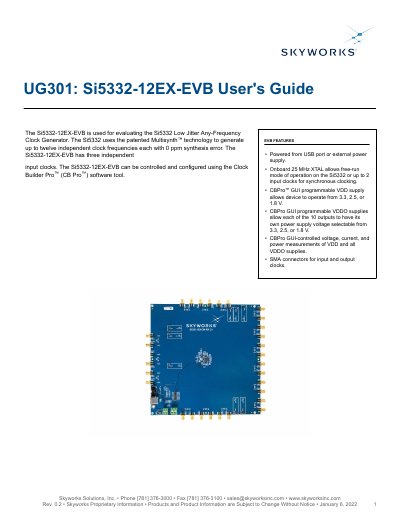
This document provides instructions for using the Si5332-12EX-EVB evaluation board to configure and test the Si5332 low-jitter clock generator. The board supports three input clocks and can be controlled via the Clock Builder Pro™ software. It includes features like USB power, programmable voltage supplies, and SMA connectors for clock I/O. The guide covers functional block diagrams, schematics, GUI controls, and software installation steps.
The board is designed for developers and engineers to evaluate clock generation performance and integrate the Si5332 into their systems. It supports multiple output voltages and allows real-time monitoring of power supplies and clock frequencies using the CBPro™ software interface.
It is used for evaluating the Si5332 Low Jitter Any-Frequency Clock Generator.
It can be powered from a USB port or an external power supply.
It can be controlled and configured using the Clock Builder Pro (CB Pro) software tool.
The CBPro GUI allows the device to operate from 3.3, 2.5, or 1.8 V.