
Operator manual for the SATO CW408 printer, providing instructions for installation, operation, configuration, and safety precautions.
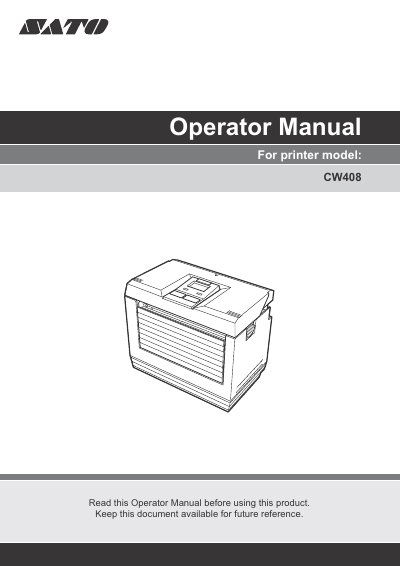
The SATO CW408 Operator Manual provides comprehensive guidance for the installation, use, and maintenance of the CW408 printer. It includes essential safety warnings, site location requirements, and detailed procedures for loading media and connecting the device to power and interfaces.
The manual covers various operating modes, including adjustment, basic settings, print settings, and maintenance modes. It also details how to perform different types of test prints and manage the printer's configuration via the operator panel.
Immediately turn off the power switch, unplug the power cord from the outlet, and contact your SATO reseller or technical support center.
The printer should be placed on a surface that is flat and level to avoid poor print quality, malfunction, or a shortened life span.