
Rosemount 648 wireless temperature transmitter quick installation guide covering wireless considerations, mounting, verification, and battery replacement.
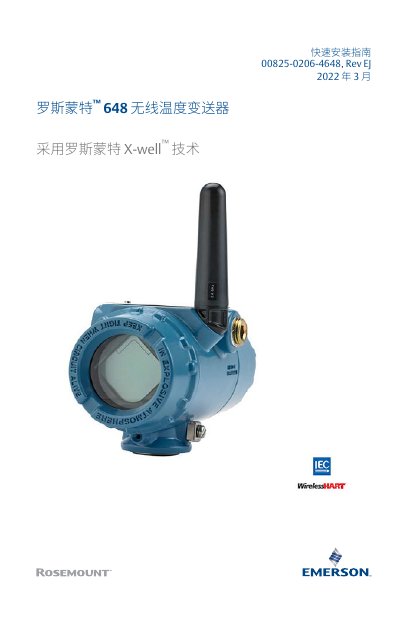
This quick installation guide provides basic installation information for the Rosemount 648 Wireless Temperature Transmitter with Rosemount X-well technology. It does not provide detailed configuration, diagnostics, maintenance, service, troubleshooting, or installation instructions; those are in the Rosemount 648 Wireless Device Reference Manual, available from Emerson.com/Rosemount.
The guide covers wireless considerations, physical installation, verification, reference information, battery module replacement, product certifications, declaration of conformity, and China RoHS. It also describes direct and split mounting, Rosemount X-well installation requirements, and the optional LCD display. This manual is written in Chinese.
| Conduit entry thread | ½–14 NPT |
|---|---|
| HART device revision | 4 |
| Device installation package / DD version | Version 4; DD version 1 or higher |
| Black battery module model | 701PBKKF |
| LCD display operating temperature | –4 to 175°F (–20 to 80°C) |
| LCD display storage temperature | –40 to 185°F (–40 to 85°C) |
| LCD display part number | 00753-9004-0002 |
The wireless gateway must be installed and working properly first.
The antenna should be vertical, either straight up or straight down.
The conduit entries are ½–14 NPT threaded ports.
No. Direct mounting should not be used when installing with Swagelok fittings.