
The Rosemount 248 Reference Manual provides installation, configuration, operation, and maintenance instructions for the Rosemount 248 transmitter assembly.
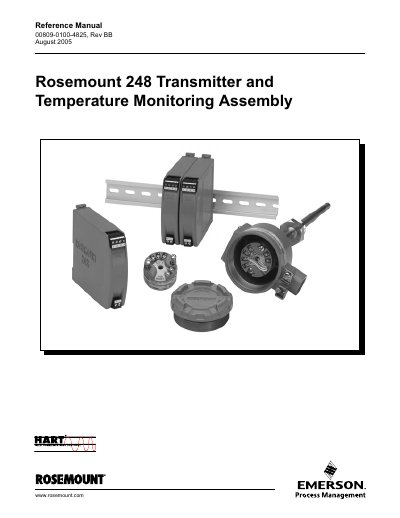
This reference manual provides guidance for installing, operating, and maintaining the Rosemount 248 Transmitter and Temperature Monitoring Assembly. It includes safety messages, installation instructions, configuration methods, operation and maintenance procedures, specifications, and product certifications.
The Rosemount 248 accepts inputs from RTD and thermocouple sensors and converts the signal to a standard 4–20 mA dc output. It supports configuration using HART protocol and a 375 Field Communicator.
| Sensor input | RTD and thermocouple sensors |
|---|---|
| Output signal | 4–20 mA dc |
| Ambient temperature | –40 to 185 °F (–40 to 85 °C) |
| Loop resistance | 250 to 1100 ohms |
| Configuration | HART protocol |
It accepts inputs from a wide variety of RTD and thermocouple sensors.
It is configured using HART protocol with a 375 Field Communicator.
It converts the low-level sensor signal to a standard 4–20 mA dc signal.
The transmitter operates within specifications for ambient temperatures between –40 and 185 °F (–40 and 85 °C).