
User guide for the ROHM KX132-1211-EVK-001 evaluation board, covering setup, software installation, and measurement procedures.
The KX132-1211-EVK-001 is an evaluation board for the KX132‑1211 accelerometer. It is used together with the RKX‑EVK-001 evaluation kit to develop and test motion‑sensing applications.
The guide explains how to install the RoKiX Windows GUI, connect the board (directly to the 18‑pin header J6 or via the supplied ribbon cable), and configure the software to stream accelerometer data at 100 Hz with a ±8 g range. Parts lists and legal notices are also provided.
| Data output rate | 100 Hz |
|---|---|
| Measurement range | ±8 g |
| C1 bypass capacitor | 4.7 µF |
| C2 bypass capacitor | 0.1 µF |
Download the latest release from the ROHM website link provided and run the installer; shortcuts are created in the Start menu and desktop.
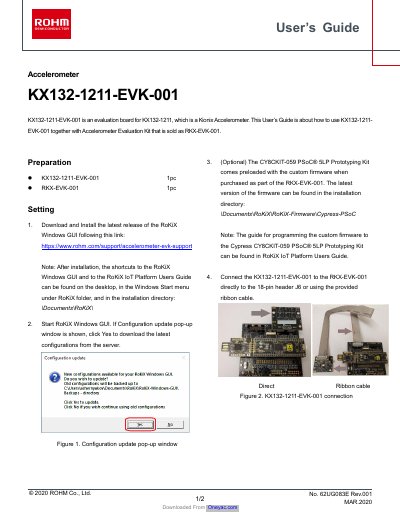
Connect the board directly to the 18‑pin header J6 or use the supplied ribbon cable.