
This document is an operation manual for the MODEL OZ-800 electronic organizer. The manual covers topics such as getting started, basic operation, email, attachment viewer, schedule and calendar, address book, to-do list, memo, notepad, and other applications. It also includes information on exchanging information with a PC and FCC regulations.
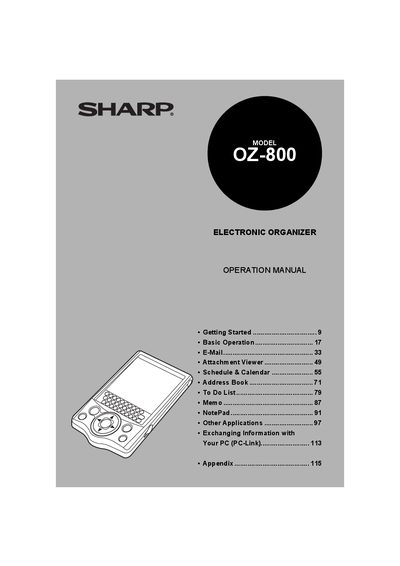
This manual explains how to set up and use the Sharp OZ-800 electronic organizer. It covers three operation methods – pressing keys, using a stylus on the tablet keyboard, and tapping screen icons – and details each application such as E‑Mail, Schedule & Calendar, Address Book, and more. The table of contents lists sections on basic operation, menu navigation, and customizing settings.
The document also includes safety and regulatory information, including FCC Class B compliance, battery replacement procedures, and troubleshooting tips. Contact information for Sharp Electronics Corporation and guidance for reducing radio‑frequency interference are provided.
It complies with the limits for a Class B digital device under Part 15 of the FCC Rules.
You can reorient or relocate the receiving antenna, increase separation between the equipment and receiver, connect the equipment to a different circuit, or consult a dealer or technician.
The device can be operated by pressing keys, tapping keys on the tablet keyboard with the stylus, or tapping buttons, icons and entries on the screen with the stylus.