
Quick start guide for the Rapoo 3100P wireless optical mouse, covering safety, warranty, troubleshooting and regulatory information.
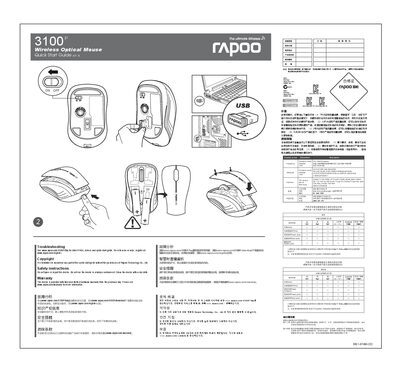
This Quick Start Guide provides essential information to get the Rapoo 3100P wireless optical mouse up and running quickly. It includes basic usage instructions, safety warnings, and regulatory compliance details.
The guide also outlines the two‑year limited hardware warranty, troubleshooting steps, and where to download drivers or additional support resources. It warns against opening or repairing the device and advises cleaning with a dry cloth. This manual is written in Chinese.
The device is provided with a two‑year limited hardware warranty; see www.rapoo.com/warranty for details.
Do not use the device in a damp environment; clean it with a dry cloth.
No, you should not open or repair the device.