
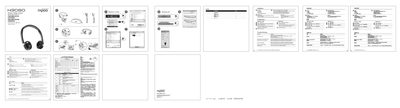
The guide explains how to fully charge the headset, connect the transmitter via USB or 3.5 mm cable, and switch between wireless and wired modes. It also details the default audio device setup for Windows and how to adjust volume and microphone levels.
Troubleshooting tips cover common issues such as no sound, low volume, and poor sound quality, and the document provides warranty information and a support contact address.
| Maximum wireless range | 10 m |
|---|
Make sure the headset is fully charged and set as the default audio device, then restart the media player.
Approximately 10 m, though walls or large objects can reduce the range.