
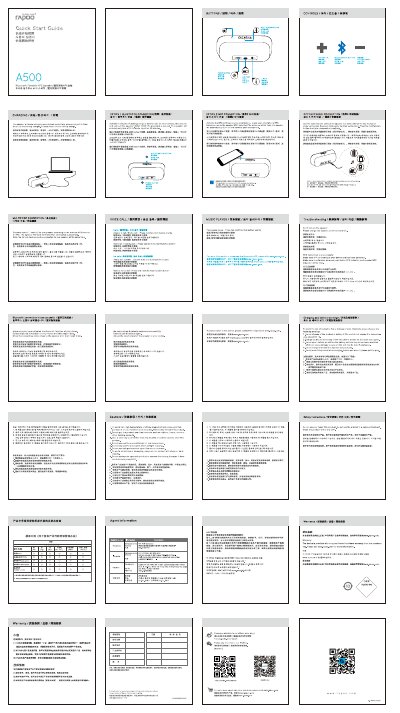
This Quick Start Guide provides step‑by‑step instructions for connecting the Rapoo A500 speaker via Bluetooth, NFC, or a wired audio cable, as well as details on charging, battery indicators, and safety precautions. It also covers how to use the multifunction button for calls, music playback, and device pairing.
Additional sections address common issues such as connection failures, low‑battery beeps, and speaker power problems, and include warranty and contact information for further assistance.
| Built‑in microphone | Yes |
|---|---|
| USB port | Yes |
| Line‑in input | Yes |
| Charging time | About 3 hours |
| Battery full indicator | Blue LED |
| Low‑battery warning | Beeping sound |
| Maximum simultaneous connections | 2 devices |
| Multifunction button | Yes |
The blue LED shows that the battery is fully charged.
It takes about 3 hours to fully charge the battery.
Charge the speaker first, then restart it.