
The Philips E Line 276E2 monitor user manual provides safety guidelines, setup instructions, image optimization, specifications and troubleshooting.
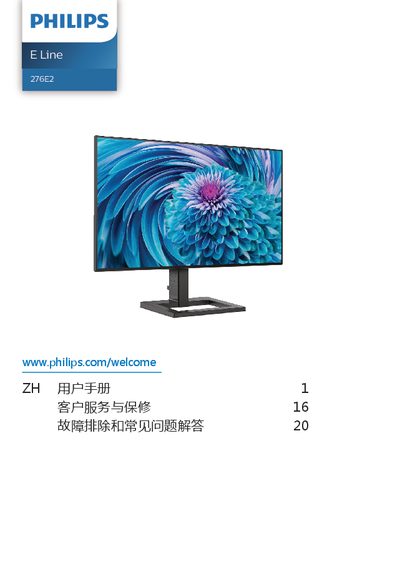
This manual covers important safety information, installation steps, and operation of the Philips E Line 276E2 27‑inch monitor. It explains how to mount the base, connect video inputs, and adjust on‑screen settings such as SmartImage, Low Blue Mode and AMD FreeSync.
Technical specifications, power‑management details, warranty information and a comprehensive troubleshooting/FAQ section are also included to help users maintain optimal display performance. This manual is written in Chinese.
| Panel type | IPS |
|---|---|
| Backlight | W‑LED |
| Screen size | 27" (68.6 cm) |
| Native resolution | 2560 × 1440 @ 60 Hz |
| Contrast ratio (typ.) | 1000:1 |
| Vertical refresh rate | 48 Hz – 75 Hz |
| AMD FreeSync | Supported |
| HDMI input | HDMI 1.4 (Digital) |
| Typical power consumption | 27.6 W |
| Dimensions (with base) | 614 × 475 × 234 mm |
| Weight (with base) | 5.28 kg |
Use the native resolution of 2560 × 1440 for best results.
Wipe the screen with a clean, dry soft cloth; for detailed cleaning use a slightly damp cloth with isopropyl alcohol and avoid regular alcohol, ethanol, acetone or other solvents.
The monitor should not be tilted downward more than –5° to avoid damage.