
The Philips 356M6 user manual covers safety information, installation, image‑optimization features, technical specifications, power management and…
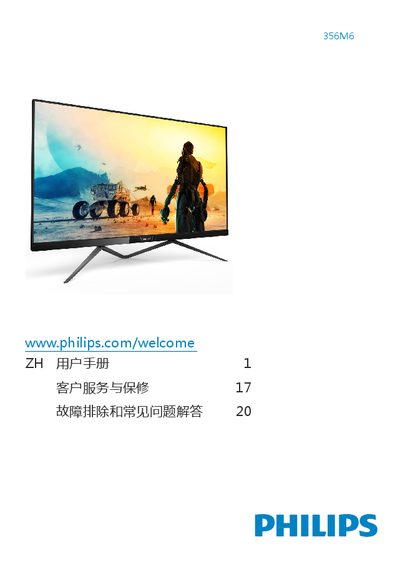
This manual provides important safety instructions, disposal guidelines and step‑by‑step setup for the Philips 356M6 monitor, including how to connect power and video cables, adjust the OSD menu and use built‑in features such as SmartImage, Ambiglow and FreeSync.
It also lists the monitor’s technical specifications (IPS panel, 34.6‑inch size, 1920×1080 resolution, 14 ms response time, 50‑76 Hz refresh range, 43.7 W typical power) and offers troubleshooting tips for common issues like no picture, image retention and audio problems. This manual is written in Chinese.
| Panel type | IPS |
|---|---|
| Panel size | 34.6" (87.9 cm) |
| Pixel pitch | 0.402 mm (H) × 0.388 mm (V) |
| Contrast ratio | 50,000,000:1 |
| Response time (typical) | 14 ms (GtG) |
| Vertical refresh rate | 50 Hz‑76 Hz |
| Typical power consumption (normal operation) | 43.70 W |
| Signal inputs (QS model) | VGA (analog), DVI (digital) |
| Native resolution | 1920 × 1080 @ 60 Hz |
Check that the power cable is firmly connected to both the outlet and the monitor, ensure the power button on the front is turned on, and verify that the video cable is correctly attached.