
Installation guide for the Pelco Spectra Mini indoor ball camera system, covering surface and ceiling mounting, wiring, and setup.
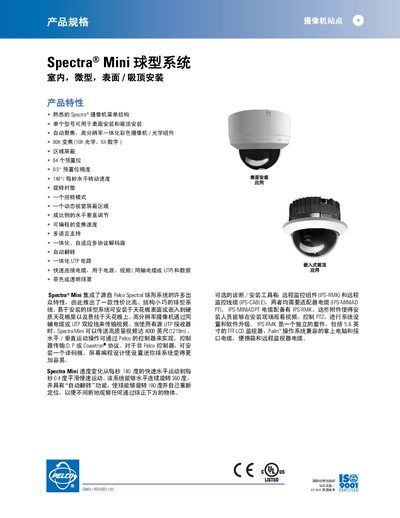
The Spectra Mini is an indoor micro ball camera system that can be mounted on a surface, embedded in a ceiling, or suspended from the ceiling. It features high‑resolution imaging, 80× zoom (10× optical, 8× digital), 64 preset positions, and automatic flip for continuous observation.
This manual provides step‑by‑step instructions for installing the camera, connecting power, video and data cables, configuring presets, and using optional remote monitoring accessories such as the IPS‑RMK kit. It also lists technical specifications, environmental limits, and compatible control protocols. This manual is written in Chinese.
| Zoom | 80× (10× optical, 8× digital) |
|---|---|
| Preset positions | 64 (53 user‑defined, 11 predefined) |
| Horizontal speed | 0.4‑140°/sec |
| Vertical speed | 0.7‑40°/sec |
| Input voltage | 18‑30 VAC (24 VAC standard) |
| Operating temperature | 32°‑122°F (0°‑50°C) |
| Unit weight | 0.79 kg (1.75 lb) |
The system supports 64 preset positions, with 53 user‑defined and 11 predefined presets.
It can be installed on a surface, embedded in a ceiling, or suspended from the ceiling.
The camera operates on 18‑30 VAC, with a standard of 24 VAC.