
Installation and operation guide for the Pelco Esprit ES30C/ES31C camera series, covering safety, wiring, programming and troubleshooting.
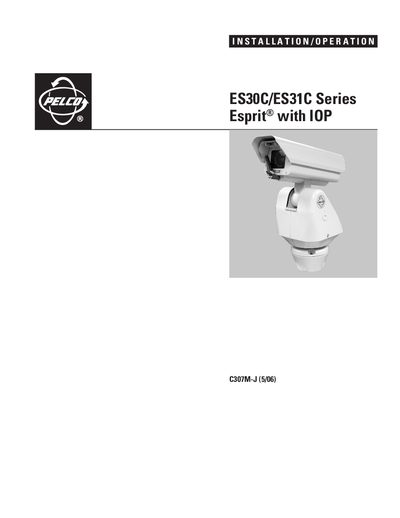
The manual provides step‑by‑step installation instructions for the Esprit ES30C/ES31C series, including mounting, wiring, power selection and alignment of the pan‑and‑tilt unit. Safety precautions and regulatory notices are listed at the beginning to ensure compliance with FCC and Canadian standards.
Operation sections describe how to power up the system, configure DIP switches, use the built‑in camera functions such as zoom, focus, IR filter and wiper, and program preset positions. Troubleshooting tips, maintenance procedures and full technical specifications are included for service personnel.
| Input Voltage | 24, 120, or 230 VAC, 50/60 Hz (switch selectable) |
|---|---|
| Maximum Power Consumption | 50 VA per system |
| Heater Power | 10 W (thermostatically controlled) |
| Defogger Power | 3 W |
| Weight (standard w/IOP) | 20 lb (9.0 kg) |
| Optical Zoom (ES30C16/ES31C16) | 16× optical, 10× electronic |
Maximum power consumption is 50 VA per system.
The thermostatically controlled heater consumes 10 watts.
Pelco offers a two‑year warranty on the Esprit series, including window wiper units.