
Installation guide for the Pelco ExSite C1345M (12/17) explosion‑proof camera, covering safety, wiring, mounting and setup.
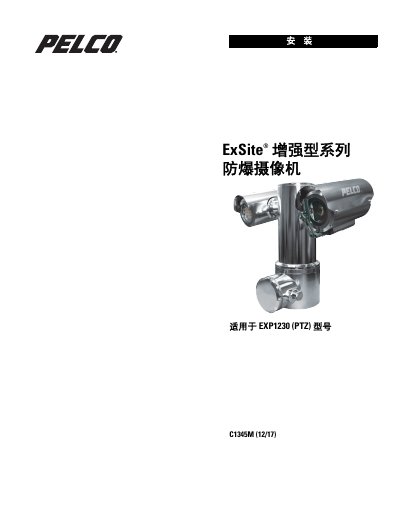
This manual provides step‑by‑step instructions for installing the ExSite C1345M (12/17) explosion‑proof camera. It includes safety precautions, required tools, parts list, cable routing, SD‑card setup, and mounting bracket options.
The guide also details the camera’s power options, environmental limits, and certification standards, ensuring compliance with hazardous‑area regulations and proper grounding practices. This manual is written in Chinese.
| Ambient temperature range | -60°C to 60°C |
|---|---|
| Power input | 48 VDC or 100–240 VAC |
| Circuit breaker rating | 15 A or 20 A |
| Mounting bolt torque | 34–37 Nm |
| Cable temperature rating | ≥ 75 °C |
| Minimum copper conductor size | ≥ 4 mm² |
The camera can operate from –60 °C up to 60 °C.
Mounting bolts must be tightened to 34 – 37 Nm (25 – 27 ft‑lb).
It can be powered by a 48 VDC source or a 100 – 240 VAC source.
A circuit breaker rated for 15 A or 20 A is required.