
The Panasonic NA-106VC5 washing machine user manual provides safety instructions, operation steps, maintenance tips, troubleshooting, and installation…
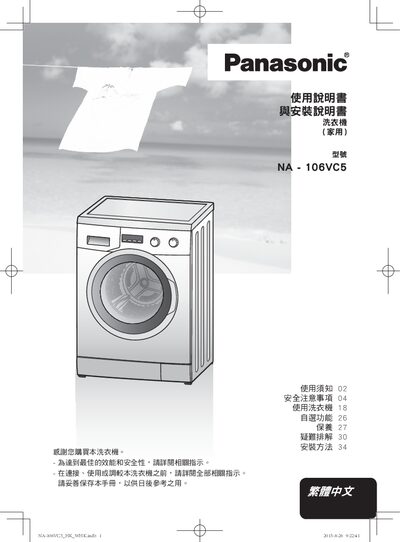
This manual covers all essential information for safely using the Panasonic NA-106VC5 household washing machine. It includes safety precautions, power‑supply requirements, and detailed instructions for preparing laundry, selecting programs, and using optional features such as child lock and time‑saver mode.
The guide also explains routine maintenance tasks like cleaning the drum, detergent drawer, and filters, as well as troubleshooting common error messages. Installation procedures, including positioning, water‑hose and electrical connections, are provided along with the machine’s technical specifications. This manual is written in Chinese.
| Rated Voltage | 220‑240 V |
|---|---|
| Rated Frequency | 50 Hz |
| Maximum Input Power | 1850 W |
| Thermal Input Power | 1650 W |
| Product Weight | 61 kg |
| Maximum Dry Load | 6 kg |
| Dimensions (H × W × D) | 845 mm × 597 mm × 436 mm |
| Water Supply Pressure | 0.1‑1 MPa |
Connect the machine to a dedicated household outlet rated 220‑240 V and do not use adapters or extension cords.
The dryer function can handle up to 6 kg of dry laundry.
Remove the drawer and clean it according to the maintenance section titled “清潔洗衣劑格”.
Select the “Child lock(兒童安全鎖)” option in the program settings to enable the lock.