
The Panasonic KX‑MB series multifunction printer manual provides installation, operation, networking and maintenance instructions.
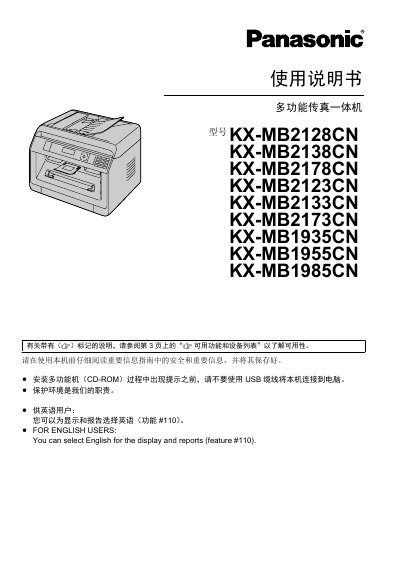
This manual covers the Panasonic KX‑MB series multifunction devices (models KX‑MB2128CN, KX‑MB2138CN, KX‑MB2178CN, KX‑MB2123CN, KX‑MB2133CN, KX‑MB2173CN, KX‑MB1935CN, KX‑MB1955CN, KX‑MB1985CN). It includes safety information, hardware setup, software installation for Windows, and detailed instructions for printing, scanning, copying and faxing.
The guide also explains network configuration (LAN, FTP, SMB, wireless LAN), advanced features such as QUICK‑JOB, password printing, and maintenance procedures like cleaning the scanner glass, replacing the toner cartridge and drum, and troubleshooting paper jams.
| Laser output power | Maximum 10 mW |
|---|---|
| Laser wavelength | 760 nm – 800 nm |
| LED output power | Maximum 1 mW |
You can select English for the display and reports (feature #110).
Use a soft, lint‑free cloth to gently wipe the scanner glass; avoid abrasive cleaners.
The laser output is limited to a maximum of 10 mW.