
The Panasonic DMC‑ZS40 digital camera user manual provides safety guidelines, operation steps, Wi‑Fi setup, and specifications.
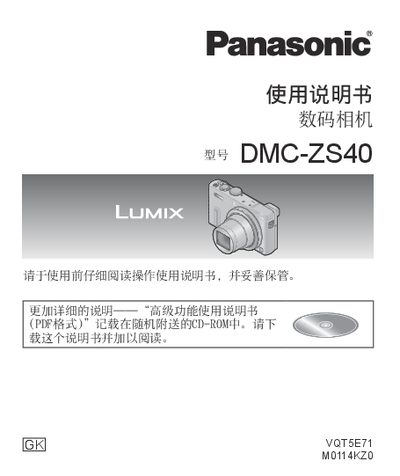
This manual explains how to safely use the Panasonic DMC‑ZS40 digital camera, covering battery handling, SD‑card insertion, basic shooting modes, and advanced features such as Wi‑Fi and HDMI connectivity.
It also includes troubleshooting tips, a full list of specifications, and regulatory information for proper disposal and compliance. This manual is written in Chinese.
| Effective Pixels | 18.1 MP |
|---|---|
| Image Sensor | 1/2.3" MOS |
| Optical Zoom | 30× |
| LCD Screen | 3.0" TFT LCD (≈921,600 dots) |
| Dimensions (W×H×D) | 110.6 mm × 64.3 mm × 34.4 mm |
| Weight (with battery & card) | ≈239 g |
| Power Consumption (LCD shooting) | 1.7 W |
| Wi‑Fi Standard | IEEE 802.11b/g/n |
| Minimum Illumination | ≈10 lx (1/25 s shutter) |
Charge the battery before first use using the supplied AC adapter or the USB connection as described in the manual.
Enable Wi‑Fi in the menu; the camera follows the IEEE 802.11b/g/n standard for wireless networking.
The camera can shoot in illumination as low as about 10 lx, using a shutter speed of 1/25 s in low‑light mode.