
Operating instructions for the Panasonic CF-F8 series laptop, covering setup, safety, troubleshooting and specifications.
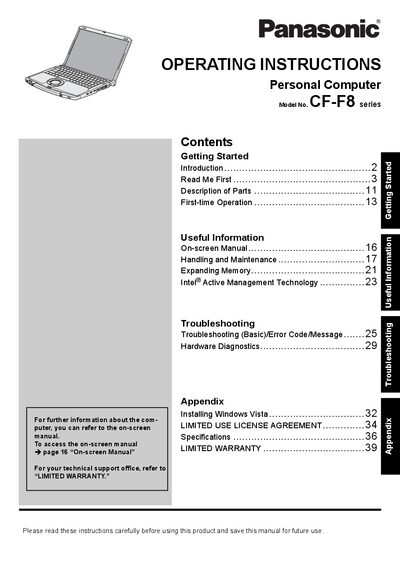
This manual provides step‑by‑step guidance for getting started with the Panasonic CF‑F8 series personal computer, including first‑time operation, hardware diagnostics, and expanding memory. It also explains how to use the on‑screen manual and install Windows Vista.
Safety information, FCC and Industry Canada compliance notices, and warranty details are included, along with technical specifications such as supported modem bit rates. The document is intended for end users and service personnel who need to operate, maintain, or troubleshoot the laptop.
| Maximum bitrate receiving mode | 56 kbit/s |
|---|---|
| Maximum bitrate sending mode | 33.6 kbit/s |
Reorient or relocate the receiving antenna, increase the separation between the equipment and the receiver, or connect the equipment to a different circuit, and consult the Panasonic Service Center if needed.
Select page 16 titled “On‑screen Manual” in the document to view the on‑screen instructions.
Use only a No.26 AWG or larger telecommunication line cord.