
This Panasonic user manual provides operating instructions, recording formats, memory usage, Wi‑Fi setup, and safety guidelines for the HC‑WXF995GK series…
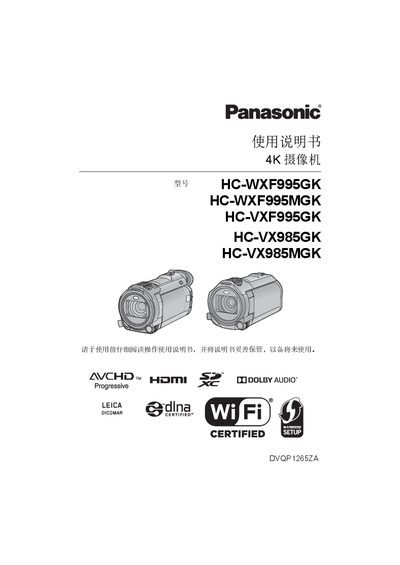
The manual explains how to operate the Panasonic 4K camcorders (models HC‑WXF995GK, HC‑WXF995MGK, HC‑VXF995GK, HC‑VX985GK, HC‑VX985MGK). It covers preparation, power management, battery installation, recording formats, memory‑card handling, Wi‑Fi functions, and playback features.
Key sections include recording format selection (AVCHD, 4K MP4, MP4, iFrame, 24p), built‑in memory and SD/SDHC/SDXC card usage, Wi‑Fi and remote‑control setup, HDR video mode, dual‑camera backup, and troubleshooting tips. This manual is written in Chinese.
| Default recording format | 4K MP4 |
|---|---|
| Maximum continuous recording time per scene | 6 hours |
| Maximum remaining record time display | 99 h 59 min |
| Supported memory cards | SD, SDHC, SDXC (minimum 4 GB for SD, 48 GB for SDXC) |
| Built‑in memory capacity | 64 GB |
Let the camcorder acclimate for about one hour in the new temperature, or place it in a sealed plastic bag to remove air before use.
The camcorder supports SD, SDHC, and SDXC cards; SD cards must be at least 4 GB and SDXC cards at least 48 GB.
A single scene can be recorded continuously for up to 6 hours before the camcorder automatically pauses.