
The Olympus digital camera user manual provides setup, shooting, playback, menu, connectivity, battery, lens and safety instructions.
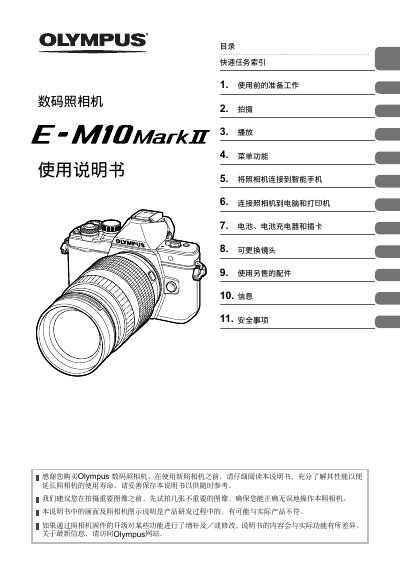
This manual guides users through preparing the Olympus digital camera for use, including battery installation, storage‑card insertion, and basic operation steps. Detailed sections cover shooting modes, autofocus settings, image stabilization, video recording, and editing functions.
Additional chapters explain how to connect the camera to smartphones, computers and printers via Wi‑Fi or USB, manage interchangeable lenses, use optional accessories, and observe safety precautions to extend the camera’s lifespan. This manual is written in Chinese.
Use the Wi‑Fi settings described in the manual; see the sections on connecting the camera to a smartphone (pages 116‑118).
Read the manual carefully to understand the functions and follow the preparation steps to ensure proper operation and longevity.