
The Olympus FE-46/X-42/X-41 user manual explains camera preparation, shooting modes, playback, menus, printing and technical specifications.
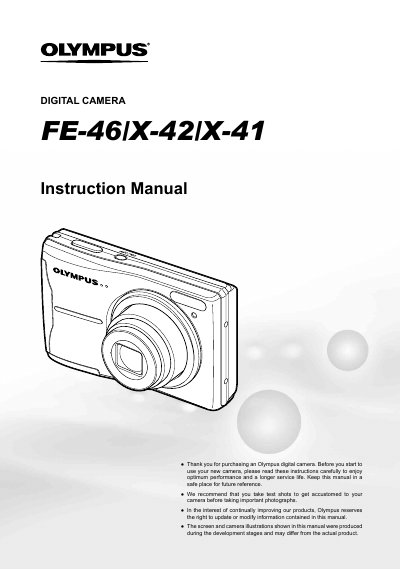
This manual guides users through preparing the camera, inserting batteries and memory cards, and configuring basic settings. It details the operation of shooting modes, playback functions, and direct button shortcuts, as well as menu navigation for exposure, white balance, and other shooting functions.
Additional sections cover printing via PictBridge, using the OLYMPUS Master 2 software, usage tips, and a full list of technical specifications such as sensor resolution, lens range, and power requirements.
| Effective pixels | 11,860,000 pixels |
|---|---|
| Image sensor | 1/2.33" CCD |
| Lens focal length | 6.3 to 31.5 mm (f3.5 to f5.6) |
| Shutter speed range | 4 to 1/2000 sec |
| Monitor | 2.7" TFT LCD, 230,000 dots |
| Power supply | AA alkaline / NiMH batteries (two) |
| Dimensions | 98.0 mm × 61.6 mm × 27.8 mm |
| Weight | 128 g (excluding batteries and card) |
Select [NiMH] for the [BATTERY TYPE] setting in the menu.
Use the FUNC menu to set frequently used shooting functions with fewer steps.
Use the Direct Printing (PictBridge) function described in the Printing section.
The camera supports ISO up to 400.