
The Olympus IM016 digital camera instruction manual provides setup, shooting, playback, menu functions, and connectivity guidance.
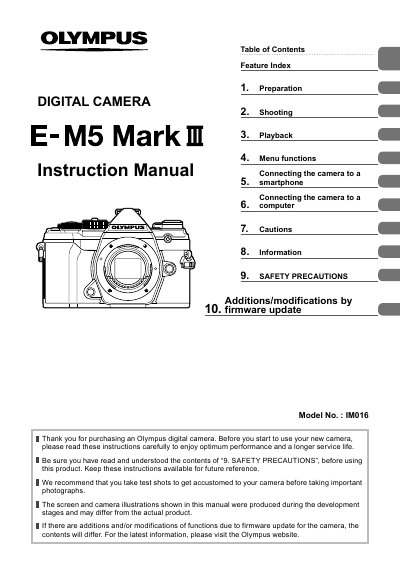
This instruction manual covers everything needed to start using the Olympus IM016 digital camera, from unpacking and battery installation to detailed shooting modes and playback options. It includes safety precautions, firmware update information, and tips for optimal performance.
The guide also explains how to connect the camera to smartphones and computers via Wi‑Fi/Bluetooth, how to register the product online, and how to use optional accessories such as external flash units and remote controls.
Use the Wi‑Fi/Bluetooth settings described in section 5; see pages 200‑207 for detailed steps.
Safety precautions are in section 9 titled “SAFETY PRECAUTIONS” on page 246.
Visit the Olympus website and follow the user registration instructions provided in the manual.