
This manual provides instructions for setting up, operating, and maintaining the Newland MT90 wireless data terminal, including barcode scanning…
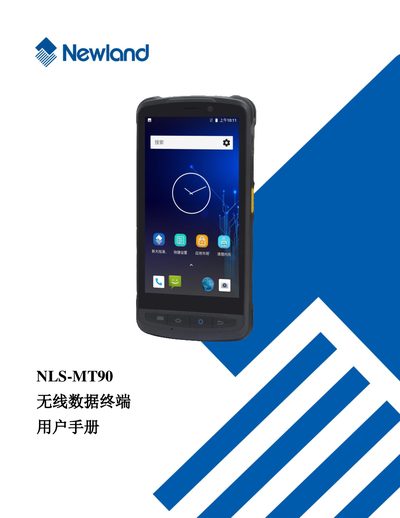
The Newland MT90 is a wireless data terminal designed for efficient data collection. This user manual guides users through initial setup, including unpacking, battery installation, and basic navigation of the device interface.
Detailed instructions are provided for core functions such as scanning one-dimensional and two-dimensional barcodes, configuring Bluetooth and Wi-Fi communication, and managing mobile network settings. The guide also covers advanced topics like using external peripherals (camera, GPS), system upgrades, and troubleshooting common hardware or software issues. This manual is written in Chinese.
Check if the battery is fully charged. If it still fails to start, remove and reinsert the battery to reset the device.
You can contact the headquarters customer service center at 400-608-0591 or visit the official website.