
This document is a pre-release version of the HR100 High Performance Barcode Reader User Manual. The document describes the features and characteristics of Newland Auto-ID's high performance barcode reader.
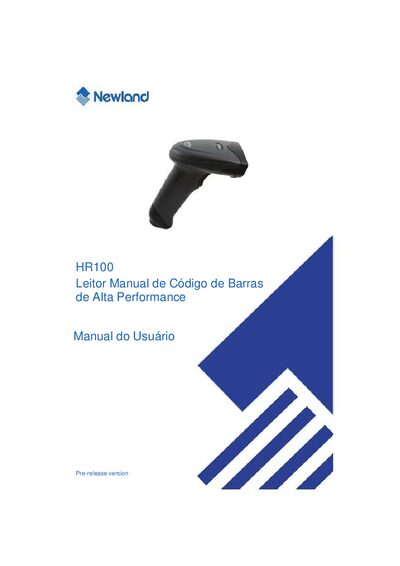
This manual covers the basic information needed to use the Newland HR100 high‑performance 1D barcode reader. It includes an introduction, unpacking checklist, hardware description, and detailed steps for connecting the device via USB, RS232, or PS/2 interfaces.
Programming options such as code‑by‑code configuration, communication settings, data format (prefix/suffix), and supported barcode standards (e.g., Code 39) are described, along with troubleshooting tips and contact information for technical support. This manual is written in Portuguese.
| Product type | 1D barcode reader |
|---|---|
| Supported interfaces | USB, RS232, PS/2 |
| Power supply | DC 5 V |
| Code 39 minimum length | 1 character |
| Code 39 maximum length | 48 characters |
| Maximum barcode length | 127 characters |
Use the ABORTAR command to cancel the last saved configuration or parameter entry.