
Key facts
- Brand
- Newland
- Model
- MT90
- Industry
- Industrial
- Documents
- 2
- Languages
- ZH
- Last added
- 2026-10-16
Start here
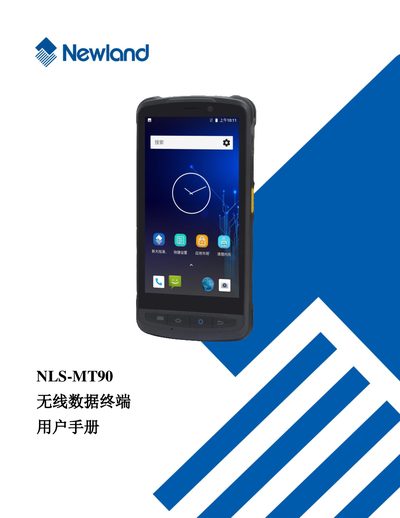
Newland MT90 Wireless Data Terminal User Manual
The Newland MT90 is a wireless data terminal designed for efficient data collection. This user manual guides users through initial setup, including unpacking, battery installation, and basic navigation of the device interface.
Detailed instructions are provided for core functions such as scanning one-dimensional and two-dimensional barcodes, configuring Bluetooth and Wi-Fi communication, and managing mobile network settings. The guide also covers advanced topics like using external peripherals (camera, GPS), system upgrades, and troubleshooting common hardware or software issues. This manual is written in Chinese.
Newland MT90 specifications
| Operating System | Android 8.1 |
|---|---|
| Battery Type | Lithium polymer battery |
| Memory Cards | MicroSD and MicroSIM cards supported |
| Barcode Types | 1‑D and 2‑D barcode scanning |
All Newland MT90 documents by type
Day-to-day operation, settings and troubleshooting. Start here if the product is already set up.
Questions answered in these manuals
What should I do if the terminal does not turn on?
Check if the battery is fully charged. If it still fails to start, remove and reinsert the battery to reset the device.
Where can I find customer support?
You can contact the headquarters customer service center at 400-608-0591 or visit the official website.
How can I reset the MT90 if it won’t power on after an unexpected power loss?
Remove and re‑insert the battery to reset the device.
What should I do if the device emits an abnormal smell while charging?
Immediately disconnect the power source and contact the service center.