
This manual introduces the development package of EM1300 scanning engine, including the composition, working principle, installation diagram and software installation steps.
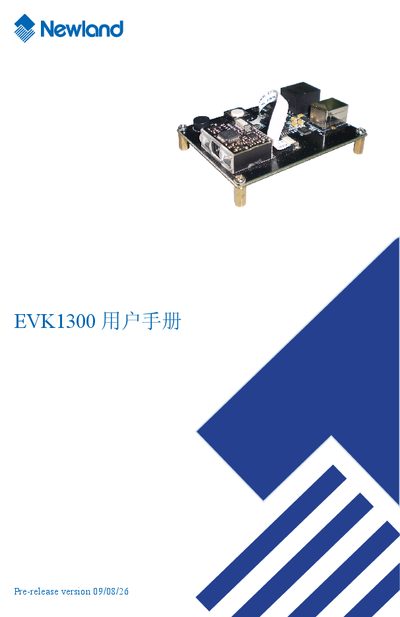
The EVK1300 is a development kit designed for barcode scanning applications. It includes the EM1300 scanning engine, USB and RS232 interfaces, and a flexible cable connector for external peripherals.
The manual covers hardware dimensions, component layout, connector specifications (USB, RS232, RJ45), pin assignments, power‑adapter requirements, circuit schematics, software installation steps, and testing procedures. It also explains how to trigger scans and interpret LED and buzzer status indicators. This manual is written in Chinese.
| Dimensions (W × H × D) | 77.5 mm × 66.8 mm × 80 mm |
|---|---|
| Power Adapter Input | AC 220 V, 50/60 Hz |
| Power Adapter Output | 5 V DC, 0.35 A |
| USB Connector Type | Type‑A (host) and Type‑B (device) |
Press the trigger key K2 (or pull the Trigger pin low) to start a scan; the EM1300 engine begins decoding and the LED and buzzer indicate status.
It uses a 5 V DC supply from a power adapter that accepts AC 220 V, 50/60 Hz input.