
The NEC SV9100 telephone user guide explains button functions, call handling, voicemail setup, and advanced features.
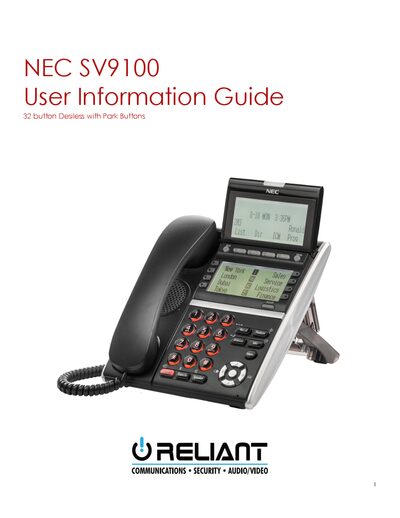
This guide provides detailed descriptions of each button on the 32‑button NEC SV9100 telephone, including the lock button, soft keys, LCD display, and speaker controls. It also covers how to adjust settings such as contrast, ringing volume, and speakerphone volume.
Additional sections describe how to make outgoing calls, receive and transfer calls, use speed‑dial lists, set up and manage voicemail, and employ advanced functions like conference calling and custom ring tones.
| Button Count | 32 |
|---|---|
| Message Waiting Light | Flashes when you have voice mail messages |
| LCD Display | Present |
| Built‑in Speaker | Controls built‑in speaker |
Press the “VMsg” softkey, enter your four‑digit security code, and follow the voice prompts to set a password and configure your mailbox.
Press the “Conf” softkey or the CONF button, dial the first participant’s extension, then press the “Add” softkey (or CONF button) twice to add each additional party, up to three inside and three outside callers.
Enter the Phone Settings menu, scroll to Ring Options, select the desired ring tone for internal or external calls, and confirm with Enter.