
The NEC owners manual provides setup, control, connection and specification details for the 12" JB-1201 MR and JB-1205MR monochrome character displays.
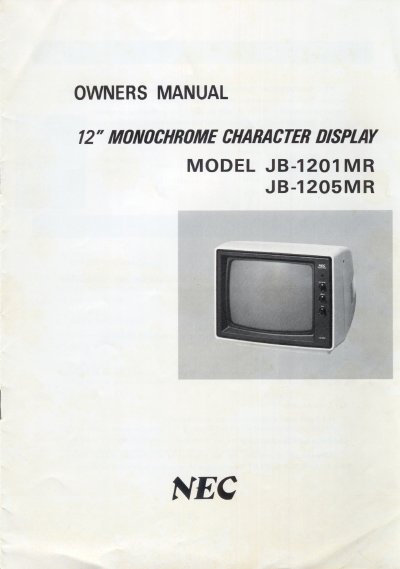
This owners manual describes the NEC 12" monochrome character display models JB-1201 MR and JB-1205MR. It outlines the display’s high‑reliability solid‑state circuitry, flat CRT design, 20 MHz video bandwidth, and built‑in 1 W audio amplifier, along with the basic operation of controls such as volume, brightness, contrast, and horizontal/vertical hold.
The manual also covers connection procedures for video and audio signals, the 75 Ω termination switch settings, voltage selector adjustments for different mains supplies, and detailed specifications including dimensions, power consumption, and operating temperature range. Safety cautions and troubleshooting tips for video signal issues are included as well.
| Display size | 12" diagonal |
|---|---|
| Video bandwidth | 30 Hz‑20 MHz (±3 dB) |
| Audio output power | 1.0 W (10 % distortion) |
| Power consumption | 30 W |
| Power supply | 110 V/120 V/220 V/240 V, 50/60 Hz |
| Dimensions (W×H×D) | 360 mm × 296 mm × 330 mm |
| Weight | 6.0 kg |
Turn the Brightness control knob to increase or decrease overall picture brightness.