
The NEC Model 308 telephone user manual provides operating instructions, feature descriptions, caller ID setup, and FAX/DUD unit information.
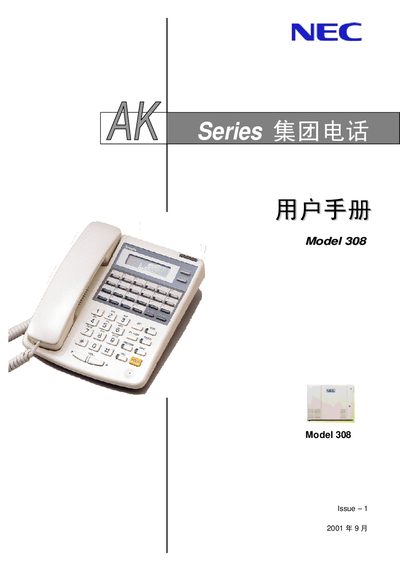
This manual covers the basic operation of the NEC Model 308 telephone, including how to place and answer calls, use the speakerphone, and configure key functions such as HOLD, TRANSFER, and DND. It also explains the layout of the keypad and the optional LCD display for models with 6 or 12 external line keys.
Additional sections describe advanced features like Caller ID (CID), conference calling, night service, and the integrated FAX/DUD unit. The document includes diagrams, function tables, and troubleshooting notes to help users and administrators configure the system correctly.
| External line keys | 6 or 12 |
|---|---|
| Display type | LCD optional |
| Key functions | CHECK, CLEAR, LND, HOLD, SPK, DND/CONF, MIC, etc. |
Press the SPK key to activate the hands‑free speaker function.
Press the HOLD key to put the current call on hold.
Caller ID is only supported on display‑type models; standard models without an LCD do not have this feature.