
The NEC NP2000/NP1000 user manual provides safety guidelines, installation steps, operation instructions, and technical specifications for the LCD projector.
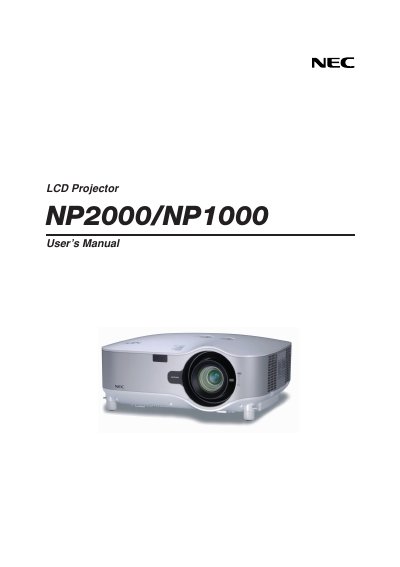
This manual introduces the NEC NP2000/NP1000 LCD projector, covering safety precautions, unpacking, and basic handling. It outlines the projector’s main components, remote control features, and optional lens handling.
Detailed sections guide users through installation, connection of video sources, menu navigation, image adjustment, maintenance, and troubleshooting. Technical specifications, lens options, and service information are provided in the appendix.
| Model Number | NP2000/NP1000 |
|---|---|
| Optical LCD Panel | 0.8" p‑Si TFT active‑matrix with Micro Lens Array (Aspect ratio 4:3) |
| Resolution | 1024 × 768 pixels (up to UXGA 1400 × 1050 @ 60 Hz DVI‑D) |
| Lamp Power (NP2000) | 300 W AC (252 W Eco mode) |
| Lamp Power (NP1000) | 280 W AC (252 W Eco mode) |
| Light Output (NP2000) | 4000 lumens (≈80 % in Eco) |
| Light Output (NP1000) | 3500 lumens (≈85 % in Eco) |
| Contrast Ratio | 800 : 1 |
| Image Size (Standard lens) | 30" – 500" diagonal (0.76 m – 12.7 m) |
| Video Compatibility | NTSC, PAL, SECAM, HDTV 1080i/720p, various scan rates |
| Power Requirement | 100‑240 V AC, 50/60 Hz |
| Power Consumption (Normal mode) | 435 W |