
This manual covers the planning, mounting, wiring, and initial setup of Micro Motion 1600 Ethernet Transmitters, including safety messages and power…
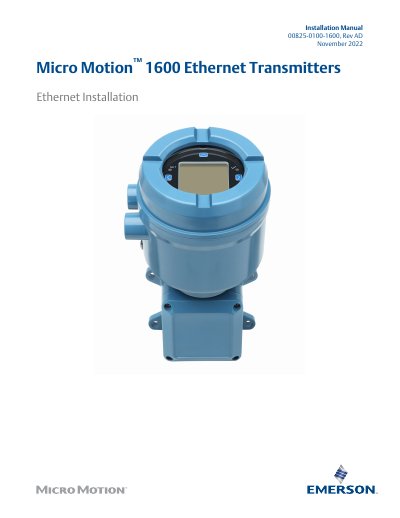
This document provides instructions for the planning, mounting, and wiring of Micro Motion 1600 Ethernet Transmitters. It includes safety messages, installation checklists, and specific requirements for hazardous areas and network setup. The guide details how to wire the transmitters for DC power or Power over Ethernet (PoE) and how to connect them to sensors and host systems.
| DC Power Range | 18-30 VDC |
|---|---|
| Typical DC Power | 3.5 watts |
| Maximum DC Power | 8 watts |
| PoE Power Range | 44-57 VDC |
| PoE PD Classification | 3 |
| Maximum Cable Length (Transmitter to Sensor) | 60 ft (18 m) |
| Maximum Ethernet Cable Length | 328 ft (100 m) |
A suitable shielded or unshielded Cat5e or a higher-rated instrumentation cable is required.
Yes, the 1600 supports DC power or Power Over Ethernet (POE) through the Channel A Ethernet RJ-45 port.
The maximum cable length for wiring between the transmitter and sensor should not exceed 60 ft (18 m).