
This manual provides installation instructions for the Micro Motion 5700 Ethernet Transmitter, covering planning, wiring, and initial setup.
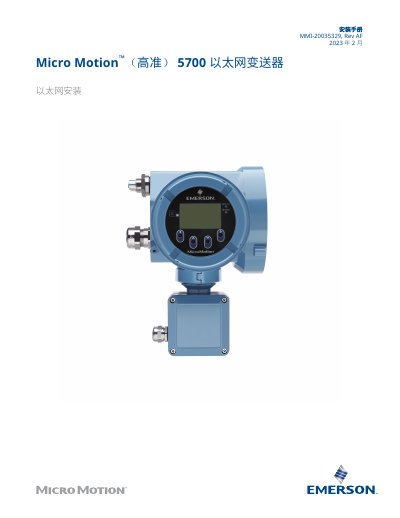
This document serves as an installation guide for the Micro Motion 5700 Ethernet Transmitter. It covers essential steps including safety information, installation preparation, sensor wiring, channel connections, power connection details, and printer configuration.
The manual provides specific technical requirements such as AC/DC input voltage ranges (85 to 240 V AC or 18 to 100 V DC) and maximum cable lengths for various configurations. It also includes instructions for connecting the transmitter's discrete output to a 3100 relay. This manual is written in Chinese.
| AC Input Voltage Range | 85 to 240 V AC |
|---|---|
| DC Input Voltage Range | 18 to 100 V DC |
| Maximum Ethernet Cable Length | 100 m |
The maximum cable length is 305 meters.
Yes, it can be installed using industrial-grade shielded Ethernet cables in these configurations.