
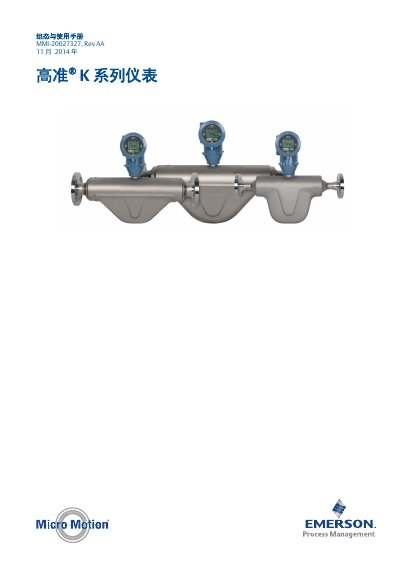
This manual provides installation, configuration, operation, maintenance, and troubleshooting instructions for the Micro Motion K Series flowmeter.
The manual begins with safety information and an overview of communication tools and protocols such as HART/Bell 202 and ProLink III. It then guides users through initial power‑up, status checks, and establishing connections to the transmitter.
Subsequent sections cover detailed configuration of measurement parameters (flow, density, temperature), device options, display settings, and integration with control systems. The final part describes normal operation, routine maintenance, and step‑by‑step troubleshooting for common issues like flow, density, temperature, and output problems. This manual is written in Chinese.
First connect the power supply; the transmitter will automatically run a diagnostic program after power‑up.