
Installation guide for Micro Motion R series Coriolis flow sensors covering mounting, wiring, grounding and safety procedures.
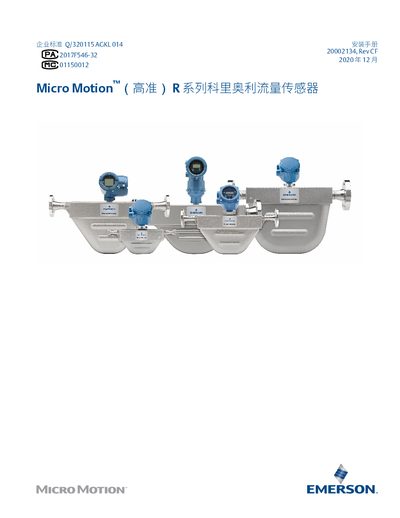
This manual provides step‑by‑step instructions for installing Micro Motion R series Coriolis flow sensors in industrial environments. It covers preparation, safety considerations, wiring options, grounding, and sensor housing blow‑out procedures.
The document also includes tables for maximum cable lengths, temperature limits for electronic components, and blowing times for each sensor model, helping engineers ensure compliant and reliable installations. This manual is written in Chinese.
| Maximum cable length (4‑wire, IIC‑rated sensor) | 152 m |
|---|---|
| Electronic component temperature range | -40 °C to 60 °C |
| Blowing time for R025 model | 4.5 min |
| Blowing time for R200 model | 15 min |
| Maximum blowing‑gas pressure | <0.5 bar |
The blowing time for the R100 model is 6 minutes.
Electronic components may be used only between –40 °C and +60 °C.