
This manual provides installation, use, and maintenance instructions for Micro Motion Model 1700 Analog Output Transmitters.
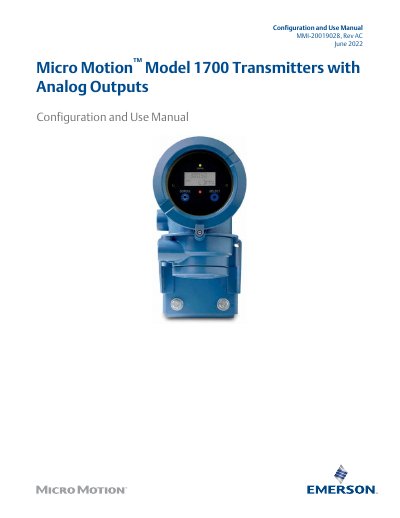
This document serves as the Configuration and Use Manual for Micro Motion Model 1700 Transmitters equipped with Analog Outputs. It covers essential procedures from initial power-up and status checks to detailed configuration of process measurements, device options, and integration with control systems.
The guide includes step-by-step instructions for configuring mass flow, volume flow, density, temperature, and pressure compensation settings. It also details how to set up mA, Frequency, and Discrete outputs, manage security features, and perform various calibration tasks such as zeroing and density calibrations.
A minimum of 1.5 amps of startup current is required when using DC power.
The electronics can take up to ten minutes to reach thermal equilibrium.
ProLink III supports HART/RS-485, HART/Bell 202, and Modbus/RS-485.