
This manual provides installation, wiring, and initial configuration instructions for the Micro Motion 5700 transmitter in FOUNDATION fieldbus systems.
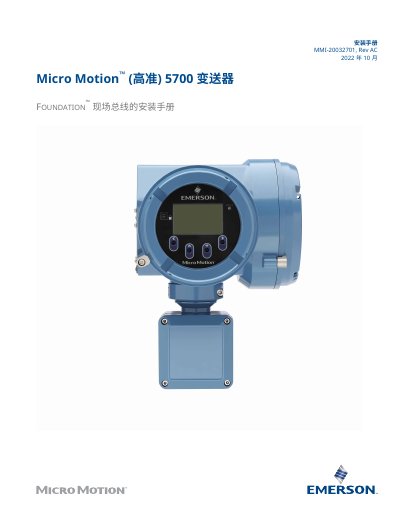
This document serves as an installation guide for the Micro Motion 5700 Transmitter within FOUNDATION™ Fieldbus systems. It covers essential procedures including safety information, preparation checks, power requirements, and physical mounting instructions.
The guide details specific steps for wiring integrated and split-case transmitters to sensors, connecting I/O channels, and managing power connections. Additionally, it explains how to use the display interface with light switches for navigation and describes methods for connecting service ports using USB devices. This manual is written in Chinese.
| Maximum Power Consumption (DC) | 11 W |
|---|
The maximum cable length depends on the installation type; up to 305 m (1000 ft) is supported for certain configurations.
The USB drive must be formatted as FAT; NTFS is not recognized by the transmitter.
No, installing with the conduit opening facing up risks condensation and moisture entering the housing.