
Step-by-step guide for setting up, pairing, charging, and customizing the Logitech Zone Wireless headset.
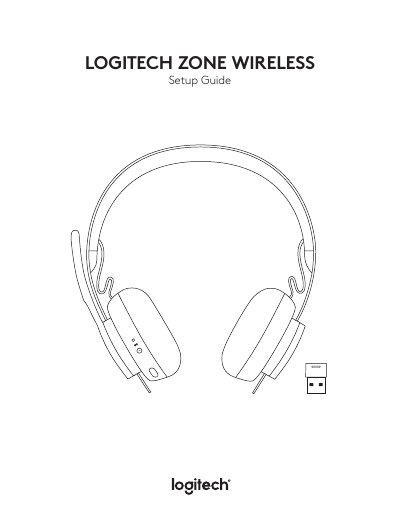
This manual explains how to pair the Zone Wireless headset via Bluetooth or USB receiver, adjust volume and noise cancellation, and use the Logi Tune app for customization. It also covers charging options, sidetone settings, and resetting the device.
The headset includes a USB-A receiver, charging cable, travel bag, and user documentation. Features like active noise cancellation, EQ presets, and voice prompts are managed through the app or physical buttons.
| Charging Time | 2 hours |
|---|---|
| Talk Time | 5 minutes gives 1 hour |
| Microphone Boom Rotation | 270 degrees |
Press the power button for 2 seconds until the light indicator flashes white rapidly, then select 'Zone Wireless' in your device’s Bluetooth settings.
Use the included USB-A cable or a Qi wireless charger. Charging via USB takes 2 hours to fully charge the battery.
Yes, use the Logi Tune app to adjust sidetone settings to hear your own voice at the right volume.