
This manual provides instructions for operating the Logitech X50 Bluetooth speaker, including pairing, auxiliary connection, and LED status interpretation.
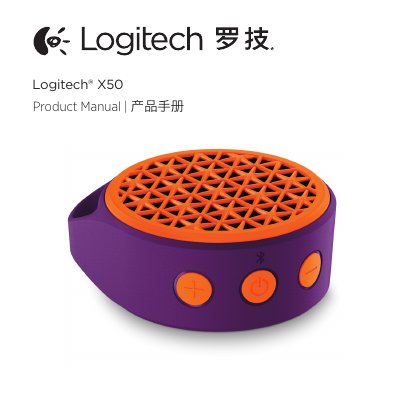
The Logitech X50 is a portable Bluetooth speaker that supports wireless audio streaming via the Advanced Audio Distribution Profile (A2DP) from smartphones, tablets, and computers. It also features a 3.5mm auxiliary input for wired connections. The device automatically enters pairing mode upon first power-on and can remember up to eight previously paired devices.
| Bluetooth Range | approximately 10 meters, or 30 feet |
|---|---|
| Reconnection Window | 5 minutes |
| Memory | last 8 devices |
| Auto-off Timer | 15 minutes |
Press and hold the Power / Bluetooth pairing button for 3 seconds to enter pairing mode.
A steady blue light indicates that the speaker is powered on and connected to a source device.
The X50 will attempt to automatically reconnect to the last device immediately when turned on.