
Setup guide for the Logitech PTZ Pro Camera, covering product parts, installation, video use, mounting, and troubleshooting.
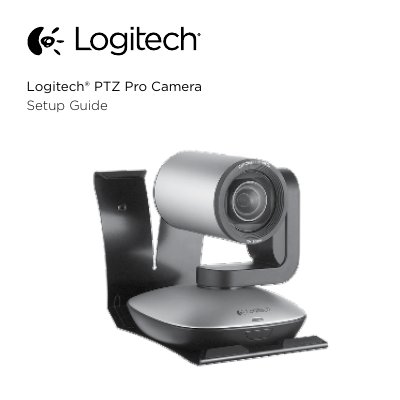
This guide explains how to set up and use the Logitech PTZ Pro Camera, including connecting the camera, starting video from a PC or Mac application, and using the remote control for pan, tilt, and zoom. It also covers camera presets, home position, far end control, mounting, remote battery replacement, and troubleshooting resources.
The guide is organized into sections such as Know your product, Set up your product, Use your product, Mounting your camera, and Troubleshooting tips. Support information and additional resources are available through Logitech's product support pages.
| Zoom | 10X lossless |
|---|---|
| Remote control battery | Li-ion CR2032 |
| Camera presets | 3 |
Position the camera with the remote control, then press and hold one of the Camera Preset buttons for 3 seconds.
The remote control runs on a Li-ion CR2032 battery.
Select the Home button to return to the default, out-of-box home position.
An LED will light when the video is streaming.