
Setup guide for the Logitech Harmony Touch remote, covering package contents, controls, setup forms, example system, troubleshooting, and battery disposal.
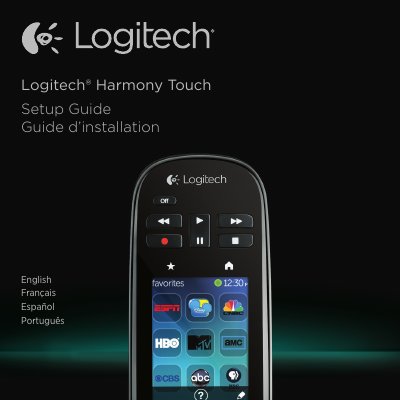
This Logitech Harmony Touch Setup Guide covers the remote's package contents and controls, including the Off button, video controls, Favorites, LCD touch screen, directional navigation, volume, and micro-USB port. It then explains how to gather device manufacturer names and model numbers, understand TV and AV receiver inputs, and record system information using the provided forms.
The guide also includes an example home entertainment system, troubleshooting tips, battery disposal instructions, and regional support contact details.
The package contains the remote, charging cradle, AC adapter, and USB cable.
The setup process asks for all model numbers so the remote can know how to control your devices.
Most devices have them on the back or bottom, sometimes on a label.
An input is a TV selection for watching a connected device, and it matches the connector on the back of the TV.