
Logitech H600 Wireless Headset Setup Guide

Setup guide for the Logitech Wireless Headset H600, covering product components, battery charging, and computer connection steps.
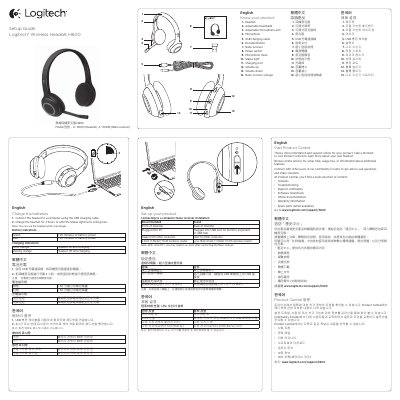

Logitech H600 Wireless Headset Setup Guide - cover page
Brand
Logitech
Category
Other Electronics
Document type
User Manual
Language
English
Pages
2
File format
PDF
File size
1 MB
Published
17 November, 2026
Updated
17 November, 2026
Model
H600
MD5 checksum
9AE01A436FC8A219B0CDD8FBDA19CA06

About this manual

The Logitech Wireless Headset H600 is a wireless audio device featuring an adjustable headband and microphone arm. It connects to computers via a Nano receiver and includes a USB charging cable for battery maintenance.

What's inside

  • Know your product
  • Charge the batteries
  • Set up your product
  • Use your product
  • Troubleshooting

Specifications

Wireless Range10 meters (30 feet)
Charging Time3 hours

Frequently asked questions

How do I know if the headset is charging?

The status light will be solid orange if the headset is on and charging, or pulsing orange if it is off and charging.

How long should the headset be charged?

Charge the headset for 3 hours or until the Status light turns solid green.

What does a solid green status light mean?

A solid green status light means the wireless connection is made.

What is the headset’s wireless range?

The headset’s wireless range is 10 meters or 30 feet.

Download PDF (1 MB)

More Logitech Manuals


View all Logitech manuals →