
User guide for Logitech CC3500e video conferencing device with setup, connection, and control instructions.
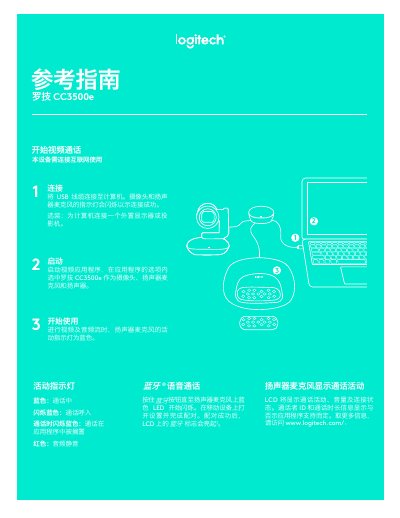
This manual explains how to connect and use the Logitech CC3500e for video calls. It covers USB connection, app setup, and indicator lights for status. The device supports remote control via mobile devices for compatible apps like Skype for Business and Zoom.
Controls include preset position, pan/tilt, zoom, mute, and remote camera control. Indicator lights show call status, audio mute, and connection success. The device requires internet for operation and is compatible with specific software and hardware.
Connect the USB cable to your computer. The camera and microphone indicator lights will flash to show connection success.
Remote control is supported by Microsoft Lync 2010, 2015, Skype for Business, and native support for Vidyos, Zoom, and Lifestyle Cloud.