
The KT LCD 8S E‑Bike Special Meter User Manual provides installation, operation, and parameter‑setting instructions for the electric bicycle display.
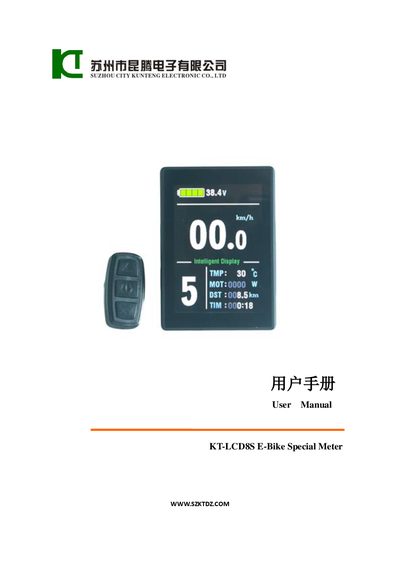
This manual covers the physical installation of the KT‑LCD 8S meter, including dimensions, mounting brackets, wiring schematics, and required handlebar diameters. It also describes the main material (PC) and black housing color, and explains how to connect the meter to the controller.
The guide details all functional aspects of the meter: display content, button definitions, power‑on/off procedures, assist‑ratio and throttle settings, cruise control, backlight, brake status, battery capacity, motor power and temperature, environmental temperature, data clearing, error codes, and extensive parameter‑setting menus (P, C, and L parameters). It also includes instructions for copying parameters between meters and restoring factory defaults.
| Handlebar diameter (large) | 31.8 mm |
|---|---|
| Handlebar diameter (small) | 22.2 mm |
| Supported supply voltages | 24 V, 36 V, 48 V (auto‑identification) |
| Display units | Metric (km/h) and Imperial (mph) |
After powering the source meter, hold the button long to start, then within 5 seconds hold the UP and DOWN buttons together for about 2 seconds; the copy process completes and the target meter shows a confirmation.
Set the L4 parameter to the desired number of minutes (range 5‑120); the default is 5 minutes.