
The KT‑LCD 7 user manual provides installation steps, function overview, display details and parameter settings for the eBike special meter.
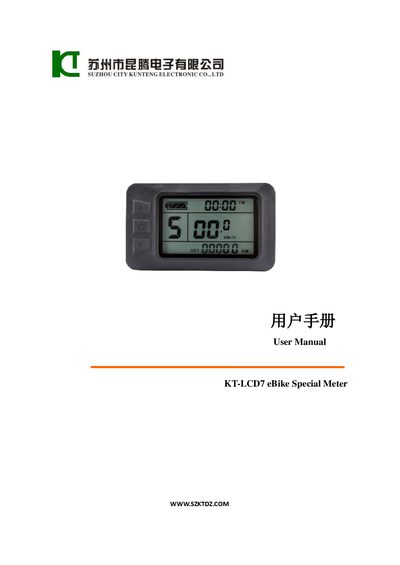
This manual explains how to install the KT‑LCD 7 meter on an electric bicycle, describes the physical dimensions, material (PC) and color (dark gray), and shows the wiring schematic. It also details the button layout and how to power the meter on or off.
The guide covers all display screens, including trip time, speed, distance, battery status, power‑assist indicators, Bluetooth, backlight, and fault codes. It provides step‑by‑step instructions for setting general, P, C and L parameters, copying meter settings, and restoring defaults.
| Supported supply voltage | 24 V, 36 V, 48 V (automatic identification) |
|---|---|
| Main material | PC (polycarbonate) |
| Housing color | Dark gray |
The meter automatically identifies and works with 24 V, 36 V or 48 V power supplies.
After powering on, hold the UP and DOWN buttons together for about 2 seconds; the meter will copy the parameters if the operation is successful.
If no button is pressed for five minutes, the meter automatically shuts down to save power.