
Key facts
- Manuals
- 8
- Models
- 2
- Languages
- EN
- Last added
- 2026-10-03
K&T models by category
Featured K&T manuals
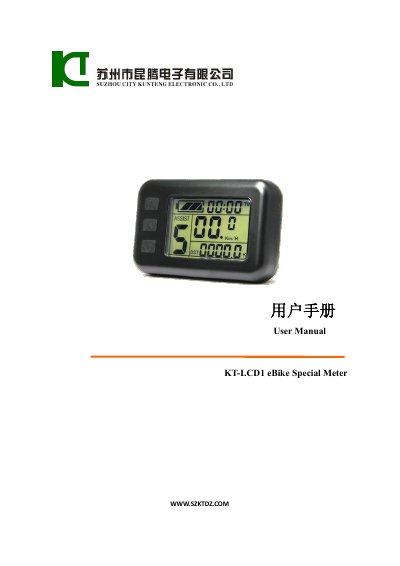
KT-LCD 1 eBike Special Meter User Manual
This manual explains how to install the KT‑LCD 1 meter on the handlebars of an electric bicycle, connect it to the controller, and power it on. It also describes the protective film removal and wiring schematic needed for proper mounting.
The document details all meter functions—including trip time, speed, distance, power‑assist gear, cruise control, battery‑capacity indicator, backlight, and error codes—as well as how to configure parameters (P1‑P5) such as motor characteristics, wheel pulse settings, and power‑assist modes.
Covers: Installation Instruction · Function Overview · Display Content · Parameter Setting · Battery Capacity Indicator · Error Code Display

KT KT-LCD 4 E-Bike Special Meter User Manual
This manual guides users through installing the KT‑LCD 4 meter on an electric bicycle, wiring it to the controller, and configuring basic settings. Detailed wiring schematics and installation icons help ensure a correct mechanical fit, including the 22.2 mm handlebar diameter.
The document also describes all functional features such as speed, distance, battery capacity, brake status, backlight, and power‑assist modes. It explains how to navigate the display, adjust parameters (P, C, L), copy settings to another meter, and troubleshoot error codes.
Covers: Installation Instruction · Function Overview · Display Content · Parameter Setting · Error Code Display · User Project Setting

KT LCD7 eBike Special Meter User Manual
This manual explains how to install the KT‑LCD 7 meter on an electric bicycle, describes the physical dimensions, material (PC) and color (dark gray), and shows the wiring schematic. It also details the button layout and how to power the meter on or off.
The guide covers all display screens, including trip time, speed, distance, battery status, power‑assist indicators, Bluetooth, backlight, and fault codes. It provides step‑by‑step instructions for setting general, P, C and L parameters, copying meter settings, and restoring defaults.
Covers: Preface · Outlook and Size · Installation Instruction · Function Overview · Display Content · Normal Operation
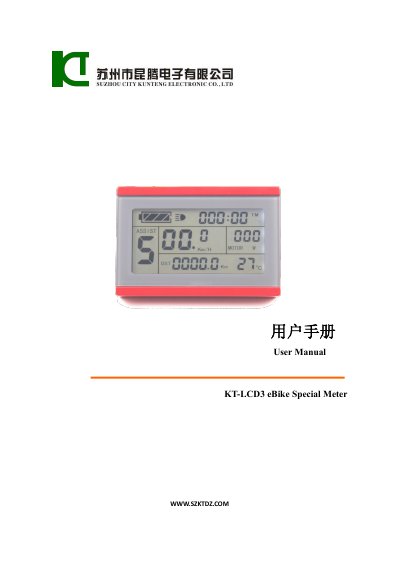
KT LCD3 eBike Special Meter User Manual
The KT-LCD3 eBike Special Meter manual provides step‑by‑step instructions for installing the meter on an electric bicycle, wiring it to the controller, and configuring its functions. It describes the physical dimensions, material, and mounting options, as well as the wiring schematic needed for proper connection.
The guide also details the meter’s display screens, button functions, and a full set of configurable parameters (P‑ and C‑parameters) such as assist ratio, cruise control, backlight brightness, and controller minimum voltage. Error codes, data clearing, and parameter copy procedures are explained for troubleshooting and maintenance.
Covers: Preface · Outlook and Size · Installation Instruction · Function Overview · Display Content · Button Definition
Latest K&T manuals
KT-LCD 1 eBike Special Meter User Manual
User Manual 17 pages · 1 MB · ENThe KT-LCD 1 eBike Special Meter User Manual provides installation, operation, parameter settings, and function descriptions for the electric bicycle meter.
KT KT-LCD 4 E-Bike Special Meter User Manual
User Manual 45 pages · 1.5 MB · ENThe KT-LCD 4 E‑Bike Special Meter User Manual provides installation, operation, and parameter‑setting instructions for the electric bicycle meter.
KT LCD7 eBike Special Meter User Manual
User Manual 37 pages · 1.9 MB · ENThe KT‑LCD 7 user manual provides installation steps, function overview, display details and parameter settings for the eBike special meter.
KT LCD3 eBike Special Meter User Manual
User Manual 36 pages · 2.5 MB · ENUser manual for the KT-LCD3 eBike meter covering installation, operation, and parameter settings.
KT KT-LCD 8H E-Bike Special Meter User Manual
User Manual 41 pages · 1.4 MB · ENThe KT-LCD 8H user manual provides installation, operation, and parameter settings for the e‑bike special meter.
KT LCD3 eBike Special Meter User Manual
User Manual 41 pages · 2.7 MB · ENThe KT LCD3 eBike Special Meter User Manual provides installation, operation, parameter settings, and troubleshooting instructions for the electric bicycle…
KT LCD 10Y eBike Special Meter User Manual
User Manual 42 pages · 2.3 MB · ENThe KT LCD 10Y eBike Special Meter User Manual provides installation, operation, and parameter setting instructions for the meter.
KT KT-LCD8Y E-Bike Special Meter User Manual
User Manual 43 pages · 1.3 MB · ENThe KT KT-LCD8Y E‑Bike Special Meter User Manual provides installation, operation, and parameter‑setting instructions for the electric bicycle display.
Which document do I need?
User Manual
Day-to-day operation, settings and troubleshooting. Start here if the product is already set up.
Questions answered in K&T manuals
How do I turn the meter on and off?
Hold the SW button long to power the meter on; hold the SW button long again to power it off.
What does the backlight function do?
Press the backlight button to turn on the display backlighting and lights.
What supply voltages can the meter work with?
The meter automatically identifies and works with 24 V, 36 V or 48 V power supplies.
How can I copy the meter parameters to another unit?
After powering on, hold the UP and DOWN buttons together for about 2 seconds; the meter will copy the parameters if the operation is successful.
How can I adjust the automatic shutdown delay of the LCD display?
Enter the parameter setting interface, select L4, and set the value between 5 and 120 minutes; the default is 5 minutes.
How can I change the backlight brightness?
Enter the C6 Backlight Brightness Adjustment Setting in the parameter menu and adjust the value to the desired level.