
The KT-LCD 10YN eBike Special Meter User Manual provides installation, operation, parameter settings, and error‑code information.
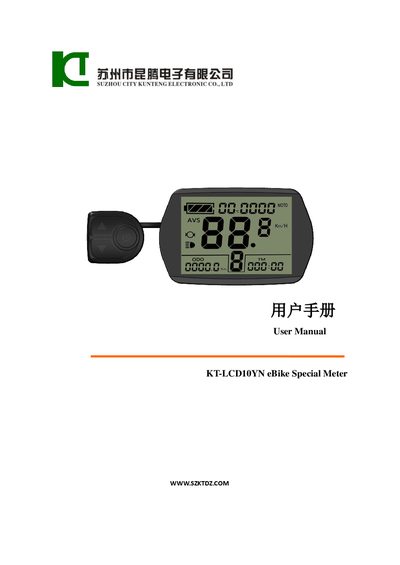
This manual explains how to install the KT-LCD 10YN meter on an eBike, connect it to the controller, and set up the wiring. It also describes the meter’s physical features, such as its PC housing and black color, and the automatic identification of 24 V, 36 V, or 48 V supply voltages.
The guide covers all operating functions, including display screens, button definitions, power‑assist settings, cruise control, battery‑capacity indicator, and how to adjust or copy parameters. Troubleshooting information such as error‑code display and factory‑reset procedures are also included.
| Housing material and color | PC, black |
|---|---|
| Supported supply voltage | 24V, 36V, 48V |
Hold the SW button long to power the meter on; hold the same button long again to power it off.
After startup, hold the UP and DOWN buttons together for a few seconds to complete the parameter copy.