
The KT KT-LCD8Y E‑Bike Special Meter User Manual provides installation, operation, and parameter‑setting instructions for the electric bicycle display.
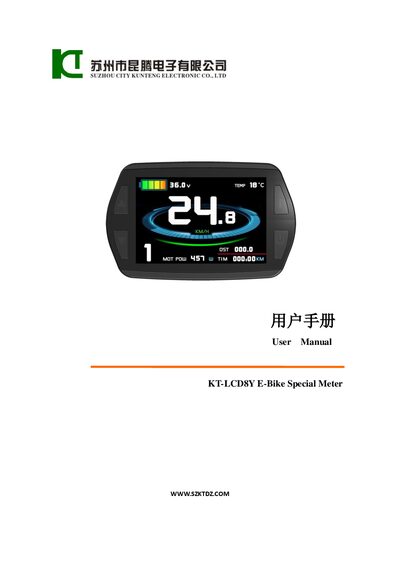
This manual explains how to install the KT‑LCD8Y meter on an electric bicycle, including wiring, mounting, and power‑up procedures. It also describes the meter’s physical dimensions, main material (PC housing) and the automatic identification of 24 V, 36 V or 48 V supply voltages.
The document details all operating functions such as speed, distance, battery capacity, motor power and temperature displays, as well as user‑adjustable settings like power‑assist gear, cruise control, backlight brightness and automatic shutdown delay. Parameter configuration sections (P, C, L) and the procedure for copying settings to another meter are also covered.
| Supported supply voltage | 24 V, 36 V, 48 V (auto‑identification) |
|---|---|
| Display units | Metric (km/h) and Imperial (mph) |
| Backlight auto‑shutdown delay | 5‑120 minutes (default 5) |
Press and hold the SW button; a long press powers the meter on, and another long press powers it off.
Hold the UP or DOWN button to switch the power‑assist (or throttle) gear between the available levels.
After powering the source meter, hold the UP and DOWN buttons together for about two seconds; the copy completes when the meter shows a confirmation.