
The KT LCD3 eBike Special Meter User Manual provides installation, operation, parameter settings, and troubleshooting instructions for the electric bicycle…
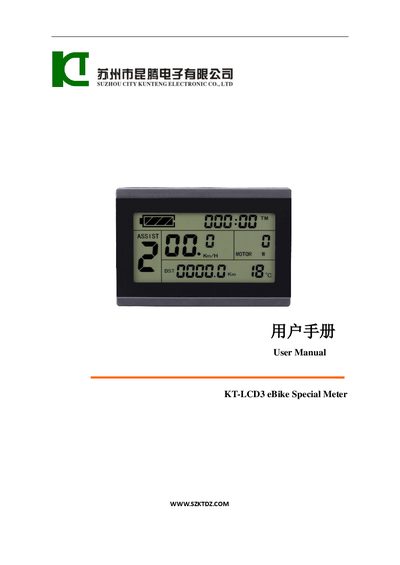
This manual explains how to install the KT LCD3 meter on an electric bicycle, including wiring, handlebar mounting, and physical dimensions. It also describes the main material, color options, and the wiring schematic needed for proper connection.
The guide details the meter’s functions, display contents, button definitions, and how to configure parameters such as power‑assist ratio, throttle settings, and cruise function. It includes procedures for copying parameters to another meter, resetting to factory defaults, and troubleshooting error codes.
| Handlebar diameter (large) | 31.8 mm |
|---|---|
| Handlebar diameter (small) | 22.2 mm |
| Supported supply voltages | 24 V, 36 V, 48 V (auto‑identification) |
| Main material | PC (polycarbonate) |
| Display units | Metric and Imperial |
Hold the SW button long to power the meter on; hold it long again to power it off.
After turning on the meter, hold the button long, then press the UP and DOWN buttons simultaneously for about 2 seconds to complete the copy.
The meter automatically identifies 24 V, 36 V, or 48 V power supplies.
The meter can be installed on handlebars with diameters of 31.8 mm or 22.2 mm.