
The KT-LCD 8H user manual provides installation, operation, and parameter settings for the e‑bike special meter.
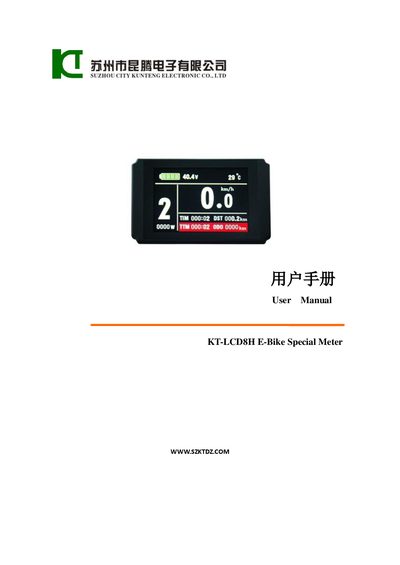
This manual explains how to install the KT‑LCD 8H meter and button box on an electric bicycle handlebar, including wiring, power connection, and initial setup. It also describes the meter’s functions such as speed, distance, battery status, motor power, temperature, and various assist modes.
Detailed sections cover button definitions, display interfaces, parameter configuration (P, C, L settings), error codes, and special operations like parameter copying, backlight adjustment, and automatic shutdown timing. The document includes wiring diagrams, dimension drawings, and version information for reference.
| Handlebar diameter (large) | Φ 31.8 mm |
|---|---|
| Handlebar diameter (small) | Φ 22.2 mm |
| Supported supply voltages | 24 V, 36 V, 48 V (automatic identification) |
| Automatic shutdown delay range | 5 – 120 minutes (default 5 min) |
Enter the parameter setting interface, select L4, and set the value between 5 and 120 minutes; the default is 5 minutes.
Enter the C6 Backlight Brightness Adjustment Setting in the parameter menu and adjust the value to the desired level.