
Quick start guide for system requirements and Migo profile setup with the Kingston DataTraveler II Plus - Migo Edition.
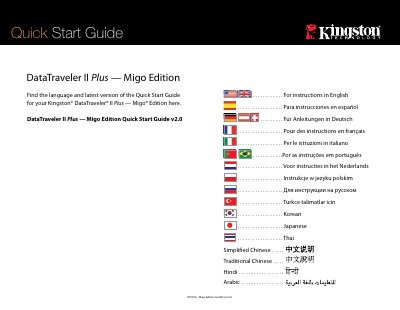
This quick start guide covers the Kingston DataTraveler II Plus - Migo Edition. It lists system requirements and describes creating a Migo profile, including browser, email, and file synchronization options.
It also explains logging in to a Migo profile on a guest computer and synchronizing changes back to the home computer. Hardware installation instructions are provided separately with the device.
| Operating System | Microsoft Windows Vista, XP (SP1 and above), and 2000 (SP4) |
|---|---|
| Email Clients | Microsoft Outlook (2000, 2002, 2003, and 2007 with POP/SMTP and Exchange Server), Outlook Express (5.0 and above), Windows Mail, and Mozilla Thunderbird 1.5 |
| Web Browsers | Windows Internet Explorer (5.0 and above) and Mozilla Firefox (1.5 and above) |
It supports Microsoft Windows Vista, XP (SP1 and above), and 2000 (SP4).
It requires Microsoft Windows Vista, XP (SP1 and above), and 2000 (SP4).
Insert the DTII+Migo into the computer’s USB port, open the Kingston drive, and double-click the Migo executable icon.
Step back and select fewer files for synchronization.